Login to DAISY
Upon successful installation of DAISY, go to the web address
https://${IP_ADDRESS_OR_NAME_OF_DEPLOYMENT_SERVER}, where you should display the login page.
Based on the authentication configuration made for your deployment, you may log in by:
- the user definitions in an existing LDAP directory, e.g. institutional/uni credentials.
- the user definitions maintained within the DAISY database.
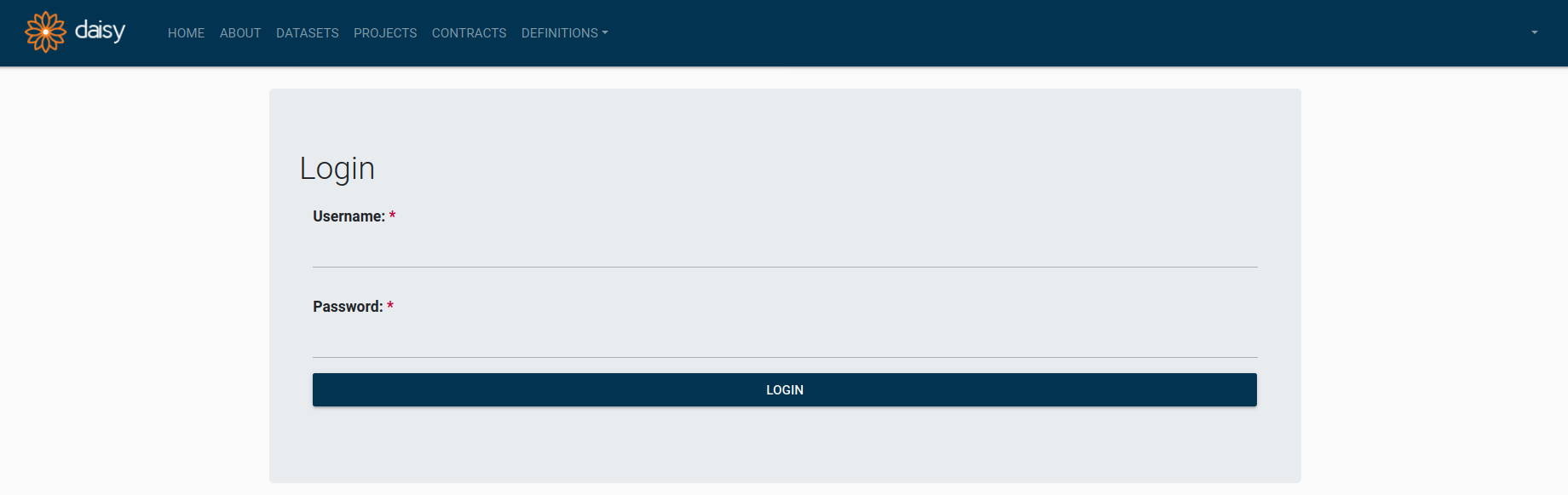 DAISY Login Page
After successful login, you see DAISY home page.
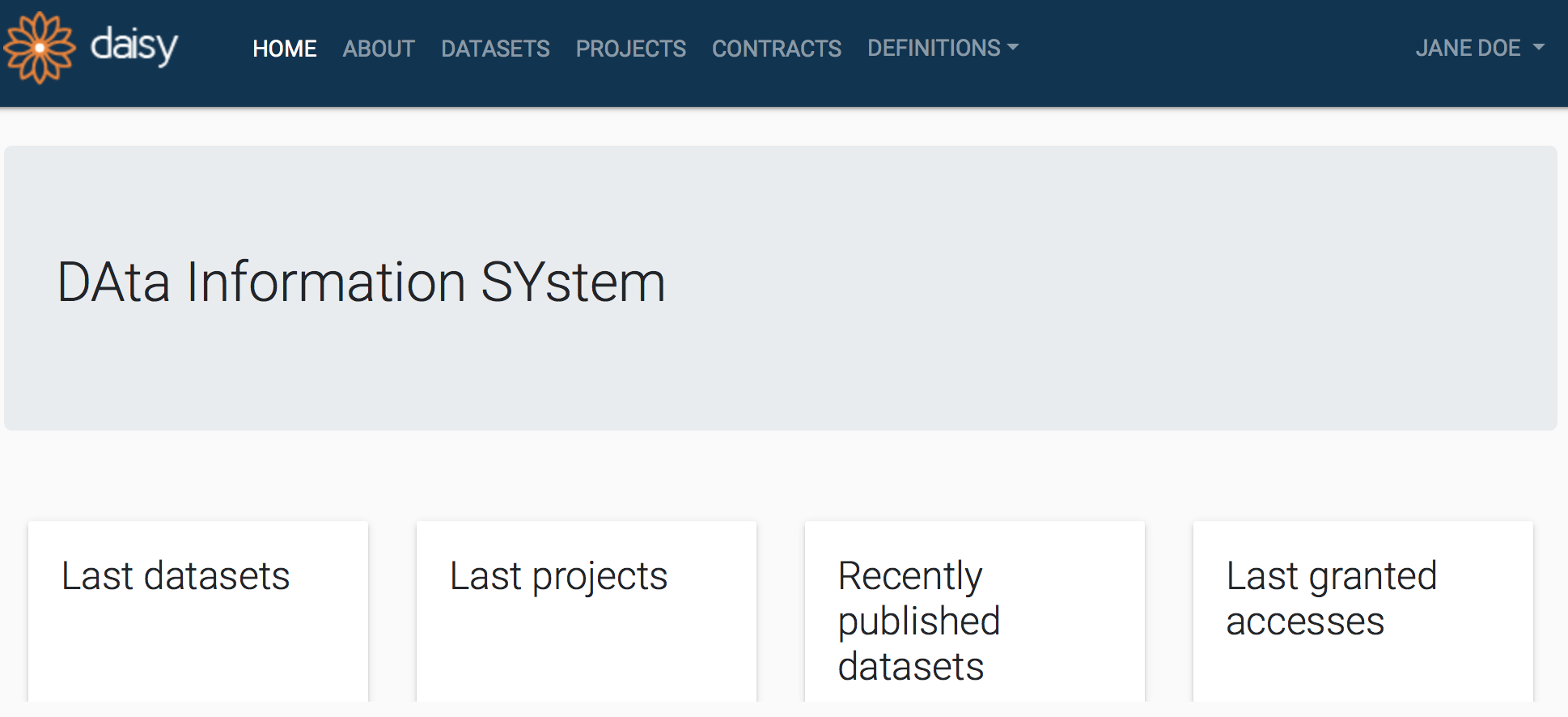 DAISY Home Page